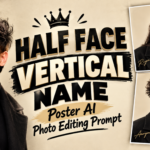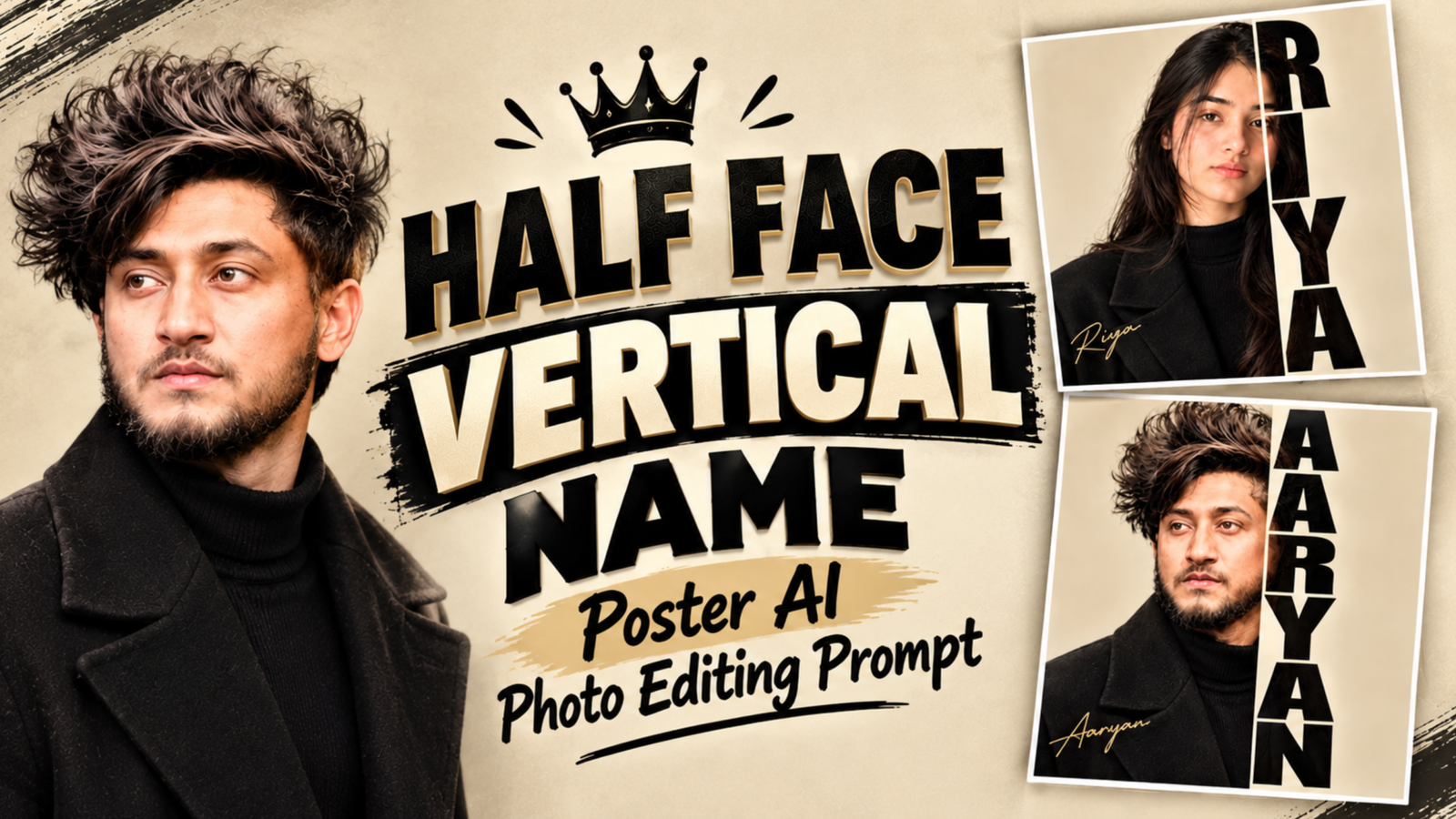
Half Face Vertical Name Poster AI Photo Editing Prompt:– Some portraits make you stop for a second because they look designed, not just clicked. This Half Face Vertical Name Poster style does exactly that: one side of the frame holds a quiet studio portrait, and the other side lets your name run downward in huge black letters that seem to cut right through the photo. The sand-colored background, dark winter clothing, and a tiny gold signature give it the feel of a film title card. You only need a clear photo and Google Gemini or ChatGPT to make your own version.
Half Face Name Poster Prompt for Boys and Girls
Copy the first prompt for a boy’s portrait and the second for a girl’s portrait. Change YOUR NAME to your own name, and write the same name again in the signature line at the end.
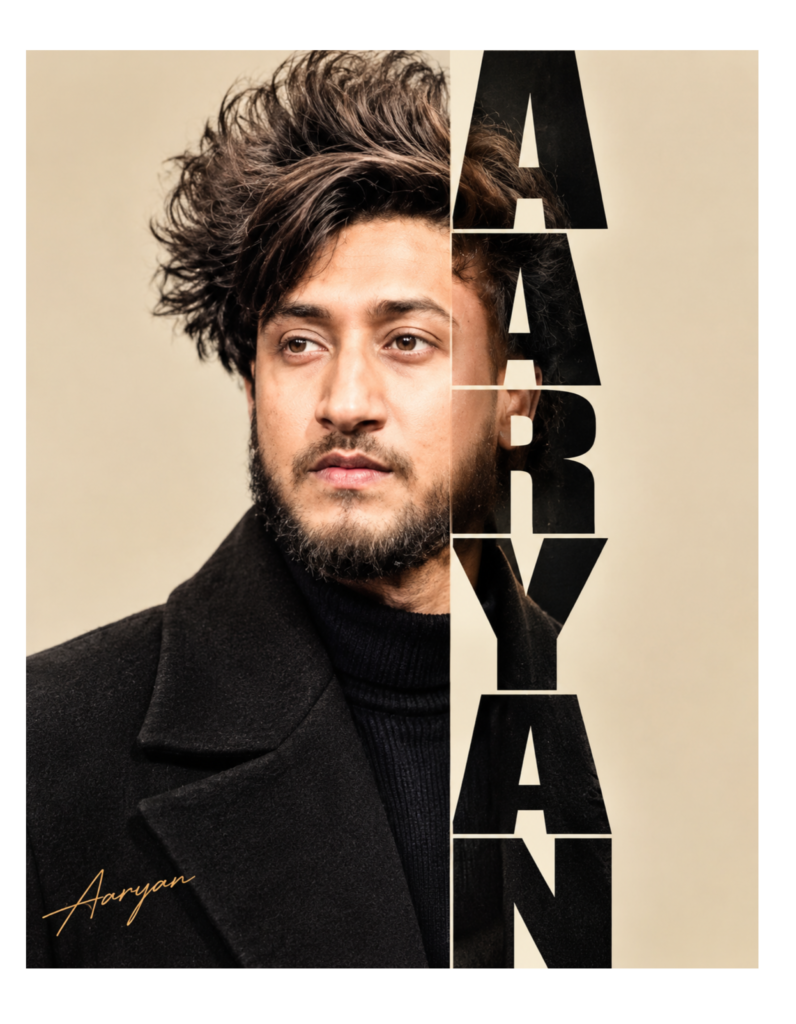
Prompt:- Create a premium vertical name poster using [User_Uploaded_Photo] as the exact face reference. Keep the same face, hairstyle, beard, skin tone and expression.
Show a young Indian man with thick, messy dark hair and a short beard, wearing a black wool coat over a black turtleneck, face turned slightly and eyes looking to the side with a calm, intense look. Use a smooth sand-beige studio background. Divide the poster into two parts with a straight vertical line running through the right side of his face. The left part is a clear, natural portrait. In the right part, write "YOUR NAME" from top to bottom, one capital letter under another, in very large, heavy black letters with narrow cream spaces between them. The same photo must be visible inside every letter, so his hair, ear and jaw show through the text. Place a small, thin, golden cursive signature "Your Name" in the bottom left corner. Soft studio light, real skin texture, high detail, 4:5 ratio, no extra words or borders.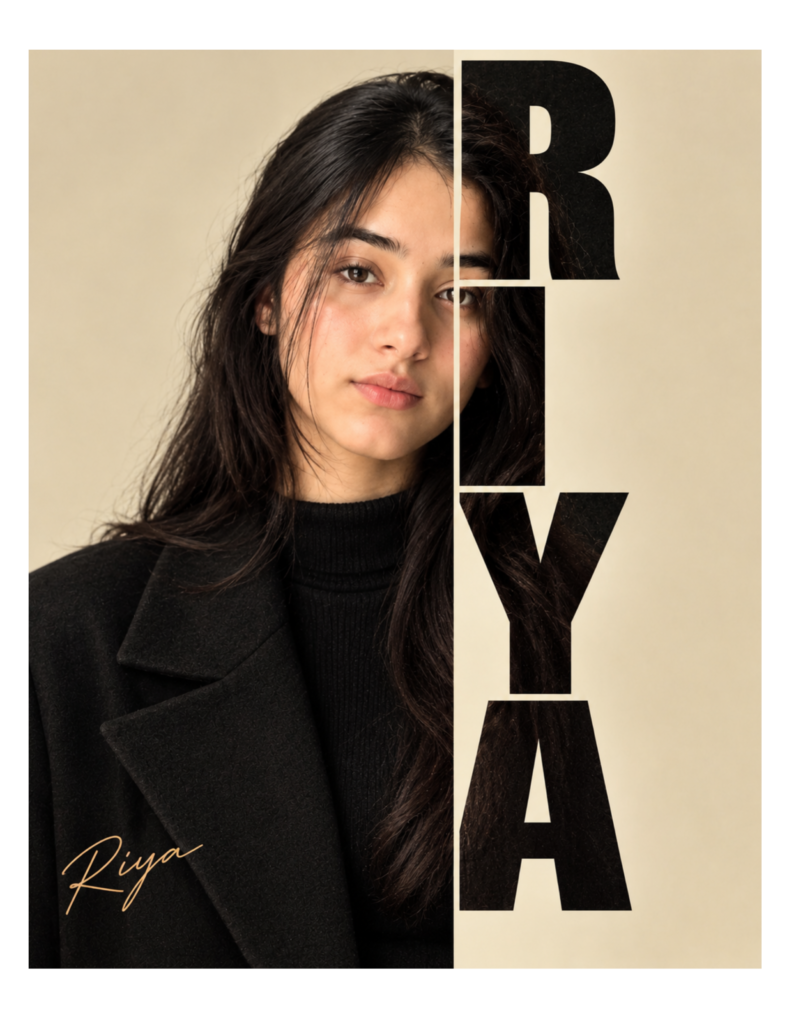
Prompt:- Create a premium vertical name poster using [User_Uploaded_Photo] as the exact face reference. Keep the same face, hairstyle, skin tone and expression.
Show a young Indian woman with long, straight, dark hair falling over her shoulders, wearing a black wool coat over a black turtleneck, looking straight into the camera with a quiet, natural expression. Use a smooth sand-beige studio background. Divide the poster into two parts with a straight vertical line running through the right side of her face. The left part is a clear, natural portrait. In the right part, write "YOUR NAME" from top to bottom, one capital letter under another, in very large, heavy black letters with narrow cream spaces between them. The same photo must be visible inside every letter, so her hair shows through the text. Place a small, thin, golden cursive signature "Your Name" in the bottom left corner. Soft studio light, real skin texture, high detail, 4:5 ratio, no extra words or borders.
What Is a Half Face Vertical Name Poster?
A Half Face Vertical Name Poster treats your portrait like the cover of a book or the opening frame of a film. The left side is a normal photograph with gentle shadows and a calm expression, while the right side is reserved for your name, written downward in oversized capitals. What makes it different from a simple text overlay is that the photo continues inside the letters, so your hair, ear, or shoulder can be seen through them. The narrow gaps between the letters work like cut lines on a paper poster, and the small golden signature acts as a quiet finishing touch. Since the whole image uses only sand, black, and gold, nothing pulls attention away from the face and the name.
Steps to Turn Your Photo Into a Name Poster
First, pick a sharp, well-lit photo of your face, ideally taken in daylight, with your hair clearly visible and nothing covering your eyes. Second, open Gemini or ChatGPT, begin a new chat, and upload the photo, and if you want the exact layout, upload the example poster as well and say it is only for layout reference. Third, paste the prompt, change YOUR NAME to your own, and send it. Finally, look at the result carefully: if the name is wrong or your face has changed, ask the AI to fix only that part, which keeps the rest of the poster safe.
How to Keep the Letters Solid and the Photo Visible
The biggest risk in this design is that the AI makes the letters too thin or paints them as plain black shapes, so ask for heavy, tightly packed capitals and remind it that the photo must show inside each letter. If your name is long, say that all the letters must be evenly sized and fully visible, because the AI often shrinks or cuts off the last one. Dark clothes also help, since a black coat merges with the letters and makes the split look smooth. For a cleaner result, add “no extra words or borders”, and try two or three generations before choosing the version with the best face match.
Conclusion
The Half Face Vertical Name Poster turns an ordinary photo into a personal title card with just a calm portrait, heavy vertical letters, and a gold signature. With a good reference photo and the prompts above, you can make it in Gemini or ChatGPT within minutes. Choose your name, check the spelling, and share it as a profile post or a story highlight.
Half Face Vertical Name Poster Prompt: FAQ
Q1. Which photo works best as a reference for this poster?
A front-facing, sharp photo with soft daylight works best. Avoid sunglasses, heavy filters, or photos where your hair covers your eyes.
Q2. Can I change the black letters to another color?
Yes. You can try dark brown, deep navy, or white on a darker background. Black gives the strongest contrast on a sand-colored wall.Q3. How many letters can the name have?
Three to six letters look best. For longer names, ask the AI to reduce the letter height so the complete name fits from top to bottom.Q4. Is the golden signature necessary?
No. It is only a finishing touch. You can remove that line from the prompt if you want a simpler poster.Q5. Can I use a full-body photo as the reference?
Yes, but the poster works better with a head-and-shoulders photo. If you use a full-body photo, ask the AI to crop it to a close portrait.Read also:- Royal Name 3D AI Photo Editing Prompts

मेरा नाम राहुल सहनी है और मैं पिछले 5 साल से कंटेंट क्रिएटर हूँ। इस ब्लॉग में, मैं सरकारी जॉब, सरकारी योजना, प्राइवेट जॉब, के बारे में जानकारी देता हूँ।