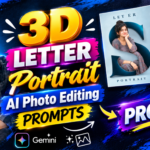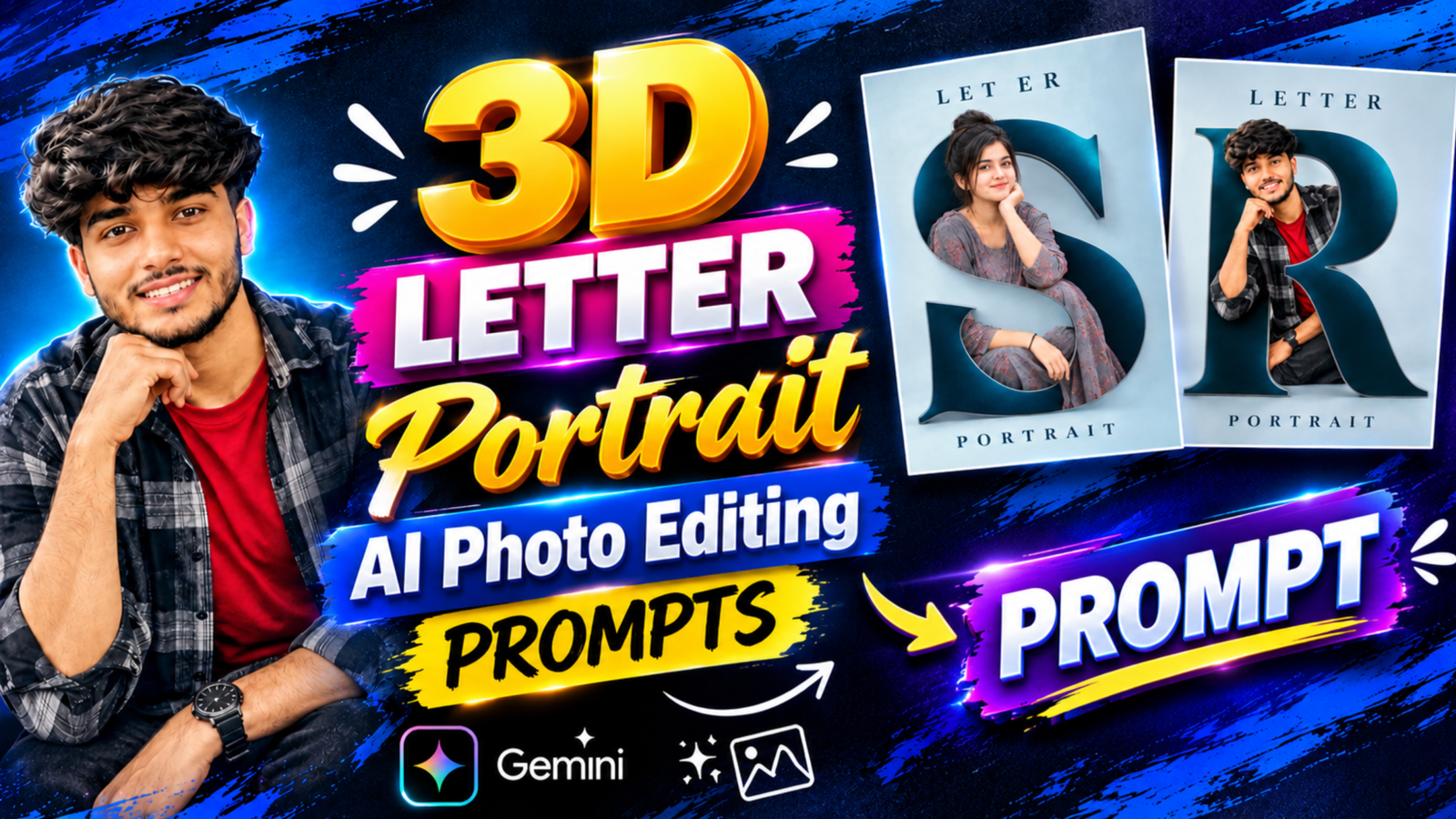
3D Letter Portrait AI Photo Editing Prompts: The 3D Letter Portrait trend is a creative photo editing style in which a person’s portrait is placed inside a large three-dimensional alphabet. Instead of using a regular background, the AI creates a huge letter that becomes the main part of the design. The person is positioned naturally within the letter, making the image look like a professionally designed portrait. In this style, the letter usually has a dark blue color with a metallic outline, while the background remains light blue and minimal. The words LETTER and PORTRAIT can be placed at the top and bottom to complete the design.
How Does the 3D Letter Portrait Look?
The main attraction of this photo style is the way the person’s portrait fits inside the large alphabet. In the reference design, the person is sitting comfortably inside a giant letter, with one hand resting near the chin and a relaxed expression. The letter has a deep navy-blue finish with a thin silver border that gives it a realistic 3D appearance. A soft blue background keeps the design simple and allows the portrait to stand out. You can use the same idea with your own photo and create a similar composition by changing the letter, outfit and background according to your preference.
Best 3D Letter Portrait AI Photo Editing Prompt
If you want to create this type of photo using your own picture, upload a clear reference photo to an AI image editor and use the prompt below. The prompt describes the large 3D letter, the person’s position, the background color and the overall design. Replace YOUR LETTER with the alphabet you want to use and customize the outfit if needed.
AI Photo Editing Prompt
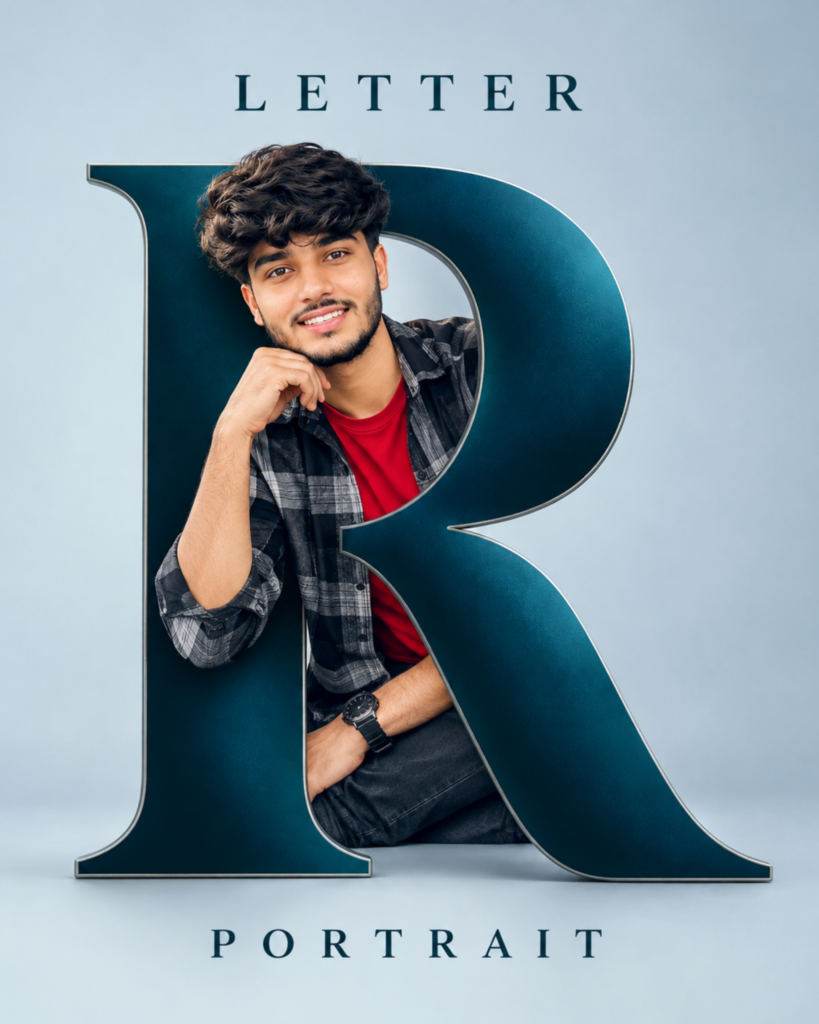
PROMPT: An ultra-realistic 8K cinematic portrait using [User_Uploaded_Photo] as the exact face reference, preserving the facial identity, hairstyle, skin tone, and smile.
Subject & Pose: A smiling young man with styled wavy dark hair, brown eyes, and light facial hair (beard/mustache). He is seated casually, resting his chin on his right hand. Attire: A layered outfit featuring an open black-and-grey plaid/flannel shirt over a solid red crewneck t-shirt, paired with dark jeans and a black wristwatch on his right wrist.
st. 3D Typography ("R"): A massive, freestanding 3D capital letter "R" set in an elegant serif typeface. Material & Finish: Deep teal / metallic petrol-blue body with a sleek, polished chrome/silver beveled border. Composition: The subject is woven into the letterform, appearing to sit within and lean through the counter (the open loop) of the "R".Text Elements: Top: The word "L E T T E R" in widely spaced, dark-toned serif capitals. Bottom: The word "P O R T R A I T" in the same matching tracked serif typography.
Lighting & Environment: Clean, seamless studio backdrop featuring a soft, muted light-blue/grey gradient. Soft studio key lighting with gentle ground shadows under the base of the letter and the subject, creating realistic depth.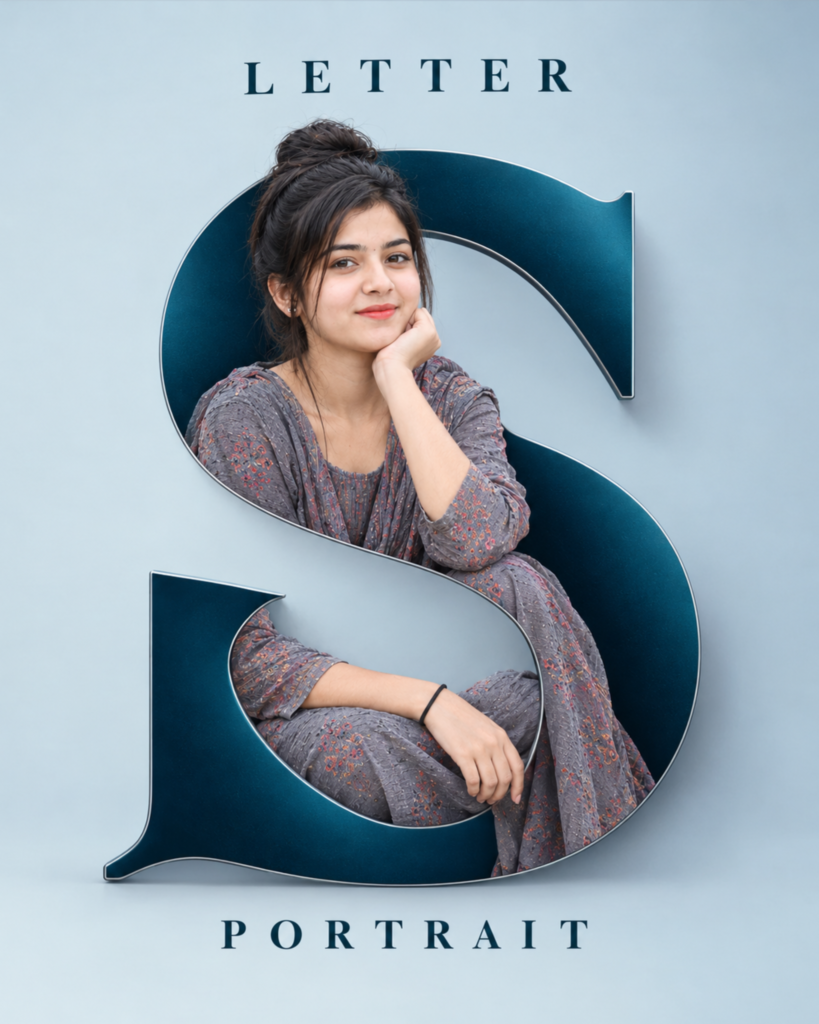
PROMPT: An ultra-realistic 8K cinematic portrait using [User_Uploaded_Photo] as the exact face reference, preserving the facial identity, hairstyle, skin tone, and smile.
Subject & Pose: A smiling young woman with dark hair tied into a casual top bun with soft loose strands framing her face. She is seated comfortably inside the letter curves, gently resting her chin on her left hand while her right arm rests across her lap. Attire: A traditional/casual grey printed ethnic outfit (kurta/suit set) featuring subtle floral or patterned flecks, accessorized with a simple black band on her right wrist. 3D Typography ("S"): A large, elegant 3D capital letter "S" with classic serif styling. Material & Finish: Deep teal / peacock-blue satin finish with smooth metallic shading and crisp, beveled silver/chrome edges. Intertwined Composition: The subject is blended seamlessly into the letterform, sitting nestled across the inner curves of the "S". Text Elements: Top: "L E T T E R" in widely tracked, uppercase serif typography. Bottom: "P O R T R A I T" in the same matching tracked serif font style. Lighting & Background: A clean, minimal studio backdrop in a light, muted pastel blue/grey gradient. Soft directional lighting casting natural ground shadows at the base of the letter, giving the artwork a polished 3D depth.
How to Create a 3D Letter Portrait With AI
Creating this type of photo is simple, even if you do not have experience with photo editing. First, open ChatGPT or another AI image editing tool that supports photo uploads and select a clear picture of yourself. Upload the photo, copy the prompt from this article and replace YOUR LETTER with the alphabet you want to display. After that, submit the prompt and let the AI generate the image. Once the result is ready, check whether the letter looks correct, your face remains recognizable and your body is positioned naturally inside the shape. If something does not look right, you can ask the AI to make small changes without creating a completely different design.
Choose the Right Letter for Your Portrait
The alphabet you choose plays an important role in the final composition because each letter has a different shape. You can use the first letter of your name, the initial of your nickname or any alphabet you like. Letters such as R, S, A, K and M can create different visual effects because their curves and openings are different. If you want the letter to represent your name, make sure it is clearly visible and large enough to frame your portrait. You can also experiment with different letters to see which shape works naturally with your preferred sitting pose.
How to Keep Your Face and Pose Natural
When creating a personalized AI portrait, keeping your face recognizable is important. The prompt asks the AI to preserve your facial features, skin tone and hairstyle while changing the composition around you. A clear reference photo can help the AI understand your appearance better. You should also describe the sitting pose carefully so that your body fits naturally inside the letter. If the first result changes your face or creates an awkward position, ask the AI to make your face closer to the original photo and adjust the sitting pose while keeping the same background and letter design.
Customize the Background and Outfit
The dark blue letter and light blue background give this design a clean and professional look, but you can change the colors according to your preference. For example, you can try a black-and-gold theme, a white-and-silver combination or a purple background with a matching letter. The outfit can also be customized to match your personal style. You can use a casual shirt, hoodie, jacket or another outfit while keeping the same 3D letter concept. The main thing is to maintain a clear contrast between the letter and the background so that the portrait remains the main focus.
Tips for Better 3D Letter Photo Editing
For a better result, start with a clear photo where your face is visible and your pose is easy to understand. Describe the letter shape, color, sitting position and background in simple but specific words. Make sure the prompt clearly tells the AI to place you inside the letter rather than in front of it. You should also check the spelling of the words at the top and bottom because AI tools can sometimes generate incorrect text. If the overall image looks good but one detail needs improvement, ask the AI to correct only that part, such as adjusting the letter shape, improving the pose or making the face closer to the original photo.
3D Letter Portrait for Instagram and WhatsApp
A personalized 3D letter portrait can be used as an Instagram post, WhatsApp DP, Facebook profile picture or personal poster. The large alphabet makes the image different from a regular portrait, while the clean background and simple typography give it a professional appearance. If you want to use it as a profile picture, keep your face and the main letter clearly visible because the image may appear smaller on social media. For a full-size post, you can use the complete vertical design with the large letter and the words at the top and bottom.
Final Words
The 3D Letter Portrait AI Photo Editing Prompt is a creative way to turn a normal photo into a personalized portrait with a large 3D alphabet. The combination of a dark blue letter, a soft background, a natural sitting pose and simple typography creates a clean and stylish design. You can upload your own photo, choose the first letter of your name and customize the colors, outfit and pose according to your preference. With a clear reference photo and a detailed prompt, you can create different versions of this portrait without needing complicated editing software.
3D Letter Portrait AI Photo Editing Prompts: FAQs
Q1.Can I use my own photo for 3D letter portrait editing?
Yes, you can upload your own photo and use it as a reference for creating a personalized 3D letter portrait.
Q2.I change the letter in the prompt?
Yes, you can replace YOUR LETTER with any alphabet you want to display in the design.
Q3.Can I change the background color?
Yes, you can ask the AI to use purple, black, white, gold or another color combination.
4.Can I create this portrait for both men and women?
Yes, the same concept can be customized with different outfits, hairstyles and sitting poses.
Q5.Which AI tool can I use for this photo editing style?
You can use ChatGPT or another AI image editor that supports uploading a reference photo and generating edited images.
Read also:- AI Name Poster Photo Editing Prompt: Create This Stylish Name Photo

मेरा नाम राहुल सहनी है और मैं पिछले 5 साल से कंटेंट क्रिएटर हूँ। इस ब्लॉग में, मैं सरकारी जॉब, सरकारी योजना, प्राइवेट जॉब, के बारे में जानकारी देता हूँ।