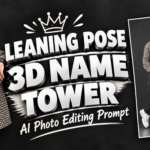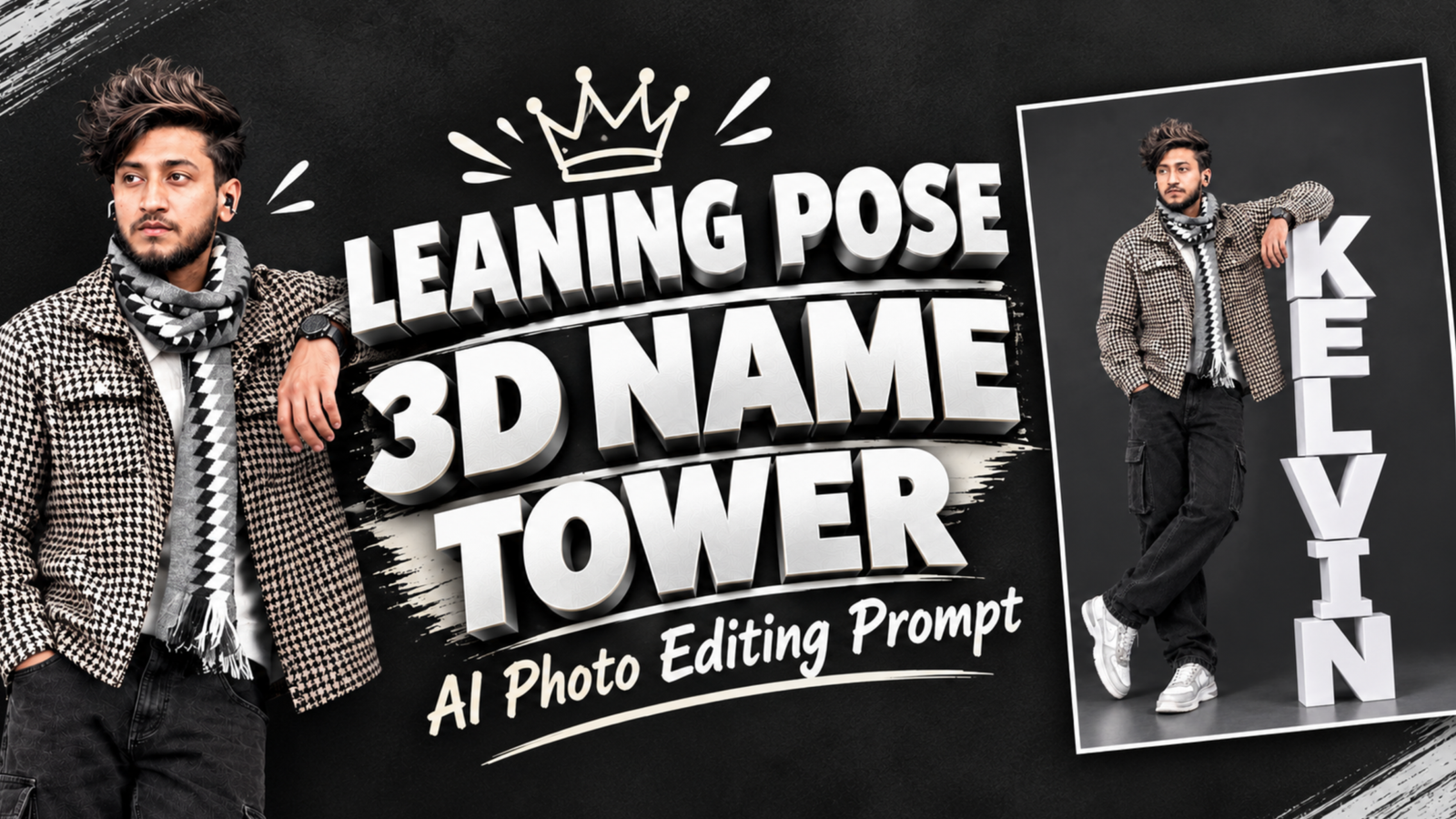
Leaning Pose 3D Name Tower AI Photo Editing Prompt:– Most name photos put the text in the background, but this style makes your name a real object in the scene. You stand in a full-body studio pose, one hand in your pocket and the other arm resting on a tall tower of giant white 3D letters that spell your name. The dark charcoal wall, glossy floor, and casual streetwear make the white letters look like sculpture. With Google Gemini or ChatGPT, you can upload your own photo and build a similar scene in minutes.
3D Name Tower Prompt for Boys and Girls
Use the first prompt for a boy’s photo and the second for a girl’s photo. Replace YOUR NAME with the name you want to show, and keep it in capital letters inside the quotation marks so the AI treats it as exact text.

Prompt:- Create an ultra-realistic full-body studio photo using [User_Uploaded_Photo] as the exact face reference. Keep the same face, hairstyle, beard, skin tone and expression.
A stylish young Indian man with messy textured dark hair and a short beard, wearing a black and white houndstooth overshirt, a grey and black patterned scarf, loose black cargo jeans, and chunky white sneakers, with a wristwatch and small wireless earbuds. He stands in a relaxed pose with his legs crossed, one hand in his pocket, and his other forearm resting on top of a tower of giant 3D letters, looking away from the camera with a calm expression. The name "YOUR NAME" is built from thick, matte white block letters stacked vertically, one on top of another, reading from top to bottom, with each letter slightly offset like a real stacked sculpture. The tower reaches about his chest height. Dark charcoal studio background, smooth glossy grey floor with soft reflections, soft overhead studio lighting, realistic shadows under the letters, sharp focus, 8K, 4:5 portrait ratio. No extra text, no logos.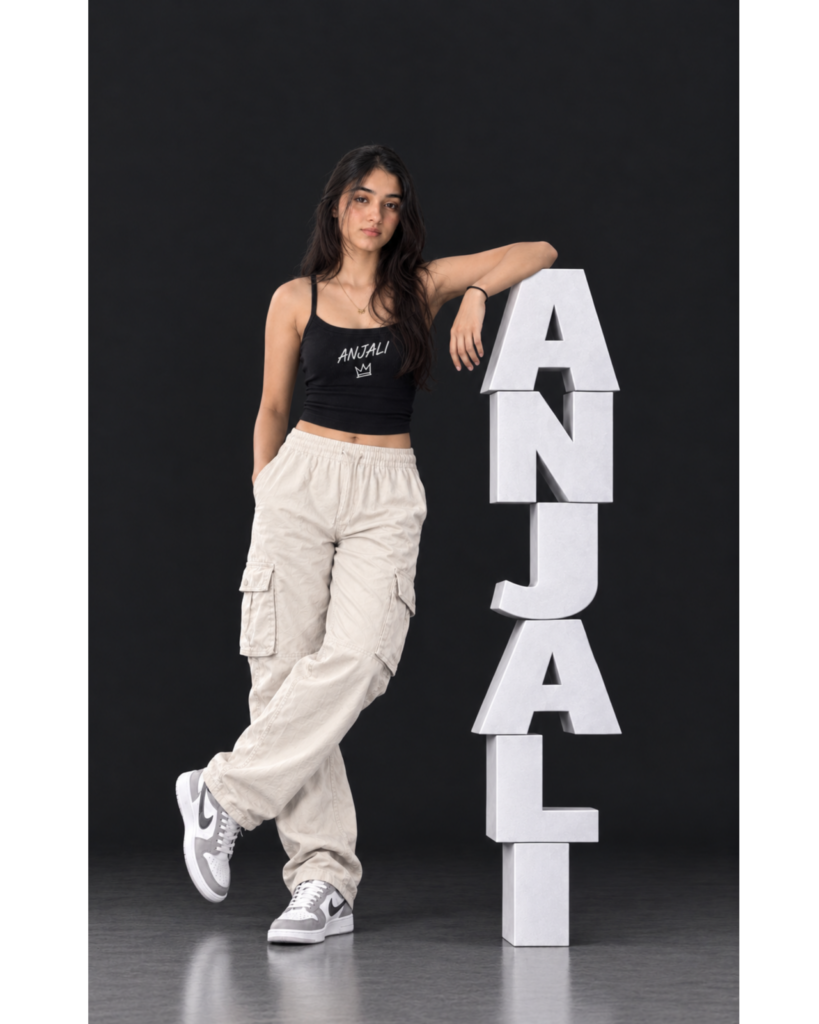
Prompt:- Create an ultra-realistic full-body studio photo using [User_Uploaded_Photo] as the exact face reference. Keep the same face, hairstyle, skin tone and expression.
A stylish young Indian woman with long, loose, dark hair, wearing a black fitted cami crop top with the small text "YOUR NAME" and a tiny crown printed on the chest, loose cream cargo pants, grey and white sneakers, a thin gold necklace, and a black hair tie on her wrist. She stands in a relaxed pose with her legs crossed, one hand in her pocket, and her other elbow resting on top of a tower of giant 3D letters, looking at the camera with a calm, quiet expression. The name "YOUR NAME" is built from thick, matte white block letters stacked vertically, one on top of another, reading from top to bottom, with each letter slightly offset like a real stacked sculpture. The tower reaches about her shoulder height. Deep black studio background, glossy dark floor with soft reflections, soft overhead studio lighting, realistic shadows under the letters, sharp focus, 8K, 4:5 portrait ratio. No extra text, no logos.
What Is the Leaning 3D Name Tower Style?
The Leaning 3D Name Tower is a full-body portrait style in which your name is not drawn on the image but built into the scene as a stack of oversized block letters. Each letter is thick, matte white, and slightly offset from the one below, so the tower looks like a real prop from a photo shoot instead of flat text. You stand next to it and rest one arm on the top letter, which makes the name feel like a friend you are leaning on. Your pose, with crossed legs and a hand in the pocket, adds a relaxed fashion-shoot mood. Because the letters sit on the same floor as you and cast their own shadows, the whole picture looks like it was shot in a real studio.
Why White Letters Stand Out on a Dark Studio Wall
The strongest part of this design is the contrast. Pale letters against a dark charcoal or black background are visible even in a tiny Instagram preview, and the viewer reads your name before noticing anything else. The matte finish stops the letters from looking like shiny plastic, while the soft shadows along their edges give them weight and depth. The glossy floor adds a faint reflection under both you and the letters, which connects them into one scene. When you choose your outfit, mixing textures works well here, such as a patterned jacket or scarf for a boy and a plain cargo pant with a printed top for a girl, because the neutral letters let your clothes carry the color and detail.
Steps to Place Yourself Beside the Name Tower
First, pick a full-body photo where your whole outfit is visible and your face is clear, because the AI will rebuild the pose around your reference. Second, open Google Gemini or ChatGPT, start a new chat, and upload the photo, and if you want the closest layout, upload the example image as well and mention that it is only a style reference. Third, paste the prompt, replace YOUR NAME, and describe your own outfit in a line or two if you do not want the outfit from the example. Finally, read every letter on the tower, then check your face, your hands, and your shoes, and ask for one correction at a time if something looks off.
How to Keep the Letters Stacked and the Pose Natural
The first thing to watch is letter order, because AI tools sometimes repeat or swap a letter when many are stacked, so write the name once in quotation marks and ask for no extra letters. For long names, say that the tower should stay at chest or shoulder height and that the letters can be slightly smaller, otherwise the stack becomes taller than the person. The second thing is the pose, where hands and legs often go wrong, so add “natural hands, five fingers, legs crossed at the ankles” and ask for the arm to rest on the top letter instead of floating near it. Also request realistic shadows under the letters, because without them the tower can look pasted on, and generate two or three versions before choosing the cleanest one.
Conclusion
The Leaning 3D Name Tower style gives you a full-body portrait with your name as a solid object beside you, which makes the photo feel like a real studio shoot. With a clear full-body reference and the prompts above, you can create it in Gemini or ChatGPT without any editing software. Change the outfit and name to suit your style, and always check the spelling of the tower before you post.
Leaning Pose 3D Name Tower Prompt: FAQ
Q1. Can I change the color of the 3D letters?
Yes. White and light grey look best on a dark wall, but you can try gold, black on a light background, or a pastel shade. Keep a strong contrast with the background so the name stays easy to read.
Q2. What should I do if my name is long?
Names with four to six letters work best. For longer names, ask the AI to reduce the letter size and keep the tower at chest or shoulder height so it does not become taller than you.Q3. Can I use a selfie instead of a full-body photo?
Yes, but the AI will have to create your body and outfit, so the result may vary. A full-body reference usually gives a more accurate pose, clothes, and proportions.Q4. Why do the letters sometimes look wrong or repeat?
Image generators can struggle with exact text when many large letters are stacked. Write the name in capital letters inside quotation marks and ask the AI to correct only the letters.Q5. Can I print my name on my clothes as well?
Yes. The girl prompt shows a small name on the top with a crown icon. You can add a similar line for a T-shirt or jacket, but keep it small so it does not compete with the tower.Read also:- Half Face Vertical Name Poster AI Photo Editing Prompt

मेरा नाम राहुल सहनी है और मैं पिछले 5 साल से कंटेंट क्रिएटर हूँ। इस ब्लॉग में, मैं सरकारी जॉब, सरकारी योजना, प्राइवेट जॉब, के बारे में जानकारी देता हूँ।