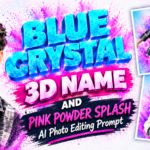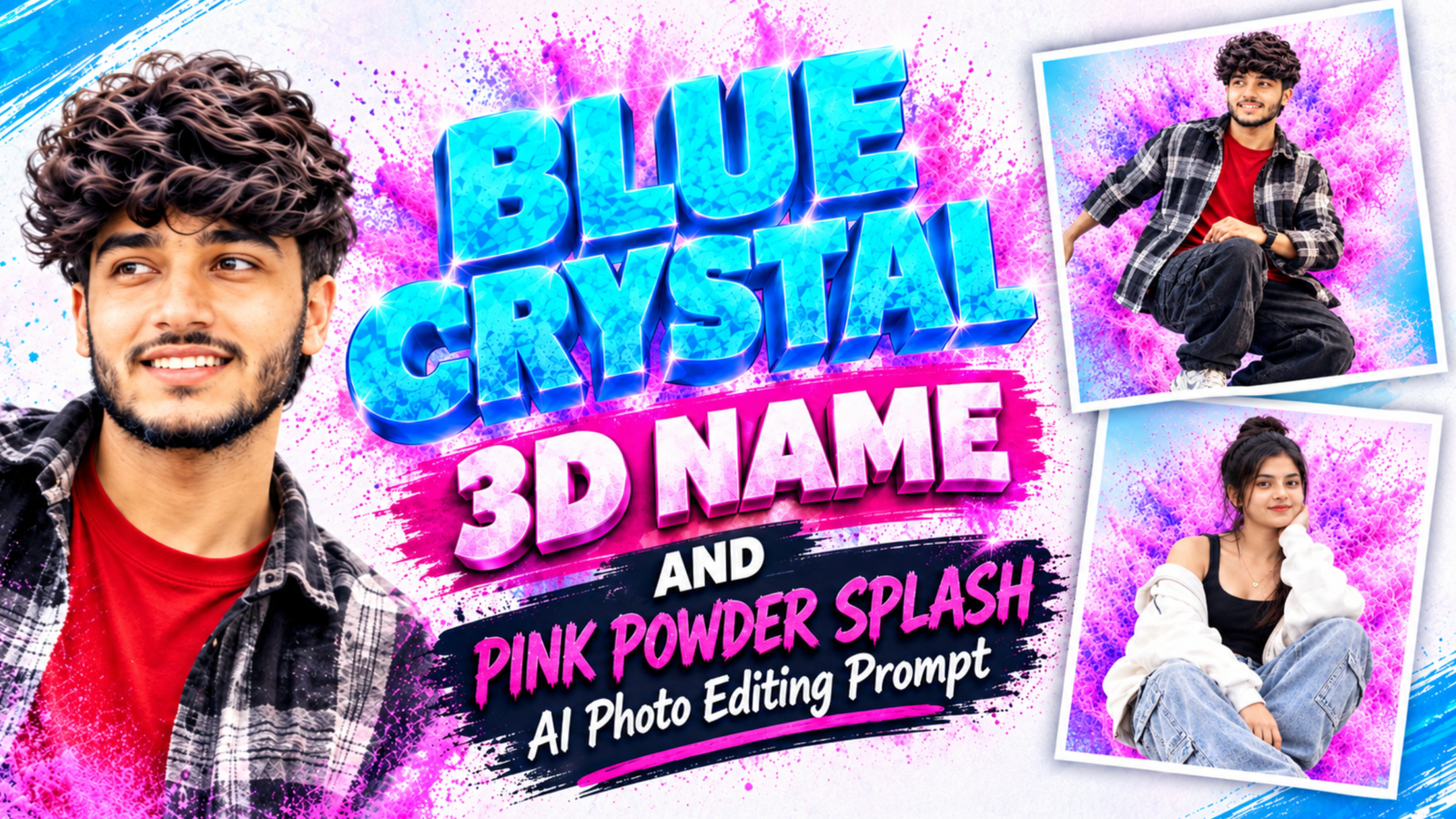
Blue Crystal 3D Name and Pink Powder Splash AI Photo Editing Prompt:– If you want a photo that looks like a movie poster or an album cover, this style is a great pick. Your name floats above you in glossy blue 3D letters that look like ice or crystal, while a burst of pink and purple powder explodes behind your pose. The soft sky-blue and pink gradient background keeps everything bright and cheerful. With Google Gemini or ChatGPT, you can upload your own photo and create a similar poster without any design software.
Blue Crystal 3D Name Prompt for Boys and Girls
Use the first prompt for a boy’s photo with a mid-air jump pose and the second for a girl’s photo with a seated pose. Replace YOUR NAME with the name you want to show, and keep it in capital letters inside the quotation marks so the AI copies it as exact text.
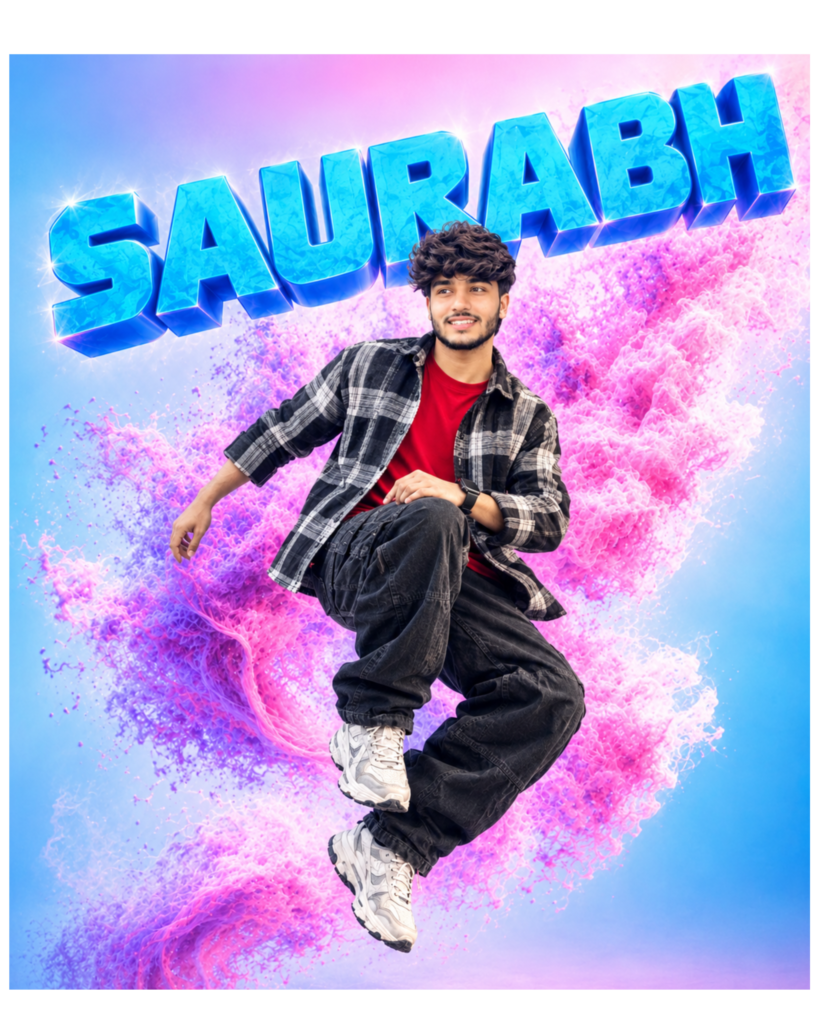
Prompt:- Create an ultra-realistic colorful poster using [User_Uploaded_Photo] as the exact face reference. Keep the same face, hairstyle, beard, skin tone and expression.
A stylish young Indian man with messy textured dark hair and a short beard, wearing a black and white houndstooth overshirt, a grey and black patterned scarf, loose black cargo pants, small wireless earbuds, a smartwatch and chunky white sneakers. He is captured in mid-air with one knee raised and one hand resting on his knee, looking to the side with a calm, focused expression. Above him, the name "YOUR NAME" is written in giant, glossy, electric-blue 3D block letters with a crystal ice texture, sharp bevelled edges, bright white sparkle highlights and a slight upward tilt. Behind him, a huge explosion of pink, magenta and purple powder and liquid splashes swirls around his body. Soft pastel gradient background from sky blue to light pink, bright studio lighting, high contrast, sharp focus, 8K, 4:5 portrait ratio. No extra text, no logos.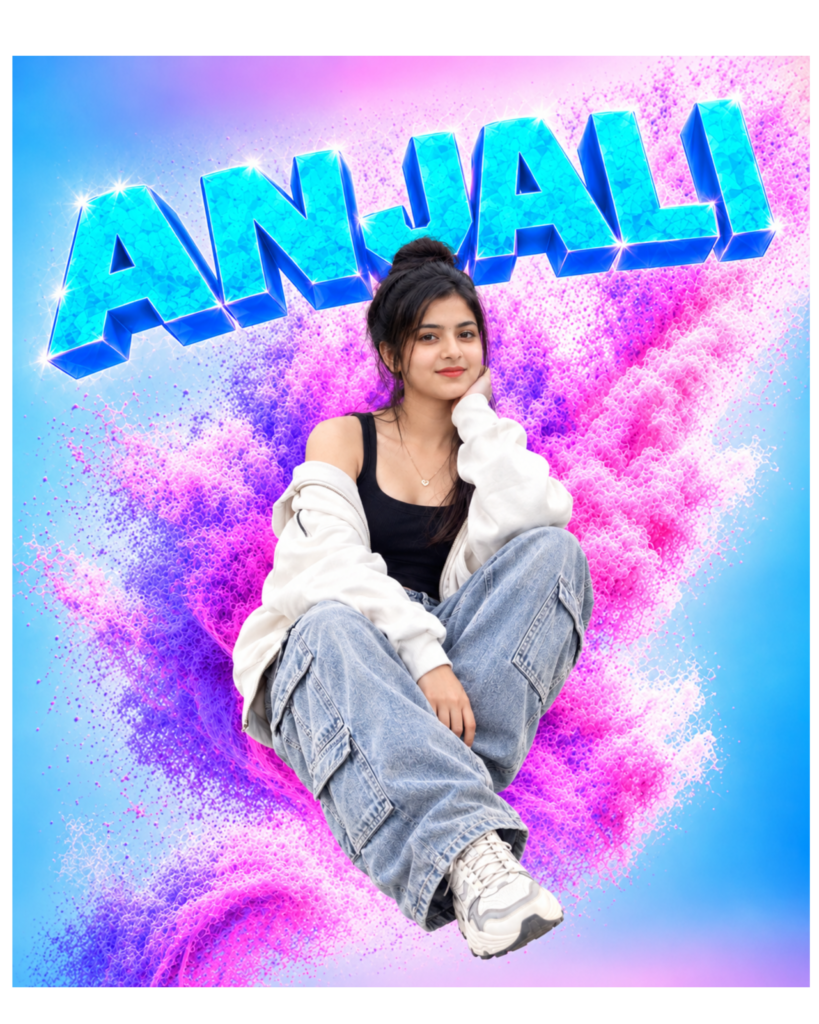
Prompt:- Create an ultra-realistic colorful poster using [User_Uploaded_Photo] as the exact face reference. Keep the same face, hairstyle, skin tone and expression.
A stylish young Indian woman with dark hair tied in a messy high bun with loose face-framing strands and a soft smile, wearing a black tank top, a white zip-up jacket slipping off one shoulder, light-wash blue baggy cargo jeans, a thin heart pendant necklace and chunky white sneakers. She sits cross-legged in the air with one hand resting against her cheek, looking at the camera with a warm, relaxed expression. Above her, the name "YOUR NAME" is written in giant, glossy, aqua-blue 3D block letters with a faceted crystal texture, bright white sparkle highlights and dark blue side edges. Behind her, a dense burst of pink, magenta and violet powder particles swirls outward like a colorful cloud. Soft pastel gradient background from sky blue to light pink, bright studio lighting, high contrast, sharp focus, 8K, 4:5 portrait ratio. No extra text, no logos.
What Is the Crystal Name and Powder Splash Style?
The Crystal Name and Powder Splash style is a poster-type portrait that mixes three layers in one image. At the top, your name appears in thick 3D block letters with a shiny, ice-like surface, bevelled edges, and tiny sparkle highlights on the corners. In the middle, you appear in a lively pose, such as a jump or a relaxed seated position, which makes the image feel like a frozen moment of action. Behind you, clouds of pink and purple powder spread outward like a Holi-style burst, wrapping around your body without covering your face. Together these layers give the poster depth, motion, and a playful, youthful mood that suits creators and students.
Why Blue and Pink Work So Well Together
Blue and pink sit on opposite sides of the color wheel feel, which means they stand out against each other without clashing. The cool blue letters feel clean and glossy, while the warm pink powder feels soft and energetic, so your eyes keep moving between the name and the person. The pale gradient background stops the colors from looking heavy, and the white sparkle points on the letters act like tiny light sources that make the surface look wet and shiny. If you choose neutral outfits, such as black, white, grey, or washed denim, your clothes will not compete with these bright colors, and your face will stay the main focus of the poster.
Steps to Add the Glossy Name and Powder Burst
First, choose a clear photo where your face, hair, and shoes are visible, and pick a pose that suits the style, such as a jump, a seated pose, or a walking step, because the AI will rebuild your body around that pose. Second, open Google Gemini or ChatGPT, start a new chat, and upload your photo along with the example image if you want a closer match, saying that the example is only for style and color reference. Third, paste the prompt, replace YOUR NAME, and change the clothing line if you want your own outfit. Finally, check the result for the spelling of the name, the face match, and the hands and shoes, and request one correction at a time.
How to Keep the Powder Behind You, Not Over You
The most common mistake with this design is that the AI lets the powder cover your face or clothes, which makes the portrait look muddy, so write that the powder must stay behind the person and that the face must remain fully clear and sharp. Another common issue is flat blue letters with no depth, which you can fix by asking for 3D block letters, bevelled edges, crystal texture, and white sparkle highlights. For long names, ask the AI to keep the name on a single line with slightly smaller letters, because large letters can overlap your head. If the colors look too heavy, add “soft pastel gradient background” and “bright, clean lighting”, and generate two or three versions before choosing the best one.
Conclusion
The Blue Crystal 3D Name and Pink Powder Splash style turns a normal photo into a colorful, high-energy poster with a glossy name, a lively pose, and a burst of powder behind you. With a clear reference photo and the prompts above, you can create it in Gemini or ChatGPT within a few minutes. Change the outfit, pose, and name to match your personality, and always check the spelling before you share the final image.
Blue Crystal 3D Name Prompt: FAQ
Q1. Can I change the pink powder to another color?
Yes. You can try orange and yellow for a warm look, or green and teal for a fresh look. Keep the name color different from the powder color so the letters remain easy to read.
Q2. Can I use a standing photo instead of a jumping or seated pose?
Yes. The AI can adjust the pose, but your reference photo should show your full body clearly. You can also describe the pose you want, such as walking, standing, or sitting.Q3. Why does the 3D name look flat or blurry?
The prompt may not include enough detail about the letters. Ask for glossy 3D block letters with bevelled edges, crystal texture, and white sparkle highlights.Q4. What should I do if the AI misspells my name?
Write the name in capital letters inside quotation marks and ask the AI to correct only the text while keeping the rest of the image unchanged.Q5. Can I use this poster as a profile picture or social media post?
Yes. The 4:5 portrait ratio fits Instagram posts well. For a square profile picture, crop carefully so your face and the first letters of the name stay inside the frame.Read also:- Half Face Vertical Name Poster AI Photo Editing Prompt

मेरा नाम राहुल सहनी है और मैं पिछले 5 साल से कंटेंट क्रिएटर हूँ। इस ब्लॉग में, मैं सरकारी जॉब, सरकारी योजना, प्राइवेट जॉब, के बारे में जानकारी देता हूँ।